
How to get a better hand feel for your DTF Prints
 SHARE A SHOP HACK
Tape Ink Pallet Screen Equipment Squeegee Print Mesh Emulsion Clients

If you’re like most DTF printers who print for your own apparel line, you’re constantly chasing one thing:
A better hand feel.
Because let’s be honest… the holy grail is getting a DTF print that feels like screen print.
Are we completely there yet? Not quite.
Are we getting close? Absolutely
And until that magical day arrives (which honestly might not be that far away), there are several things you can do right now to dramatically improve the feel of your transfers and produce shirts your customers actually want to wear – instead of ones that feel like they’re wearing a bumper sticker on their chest.
Here are five ways to soften up your DTF prints.
Use Negative Space in Your Artwork
This concept comes straight from the screen printing world. When screen printers print on a black shirt, for example, they don’t make a screen for black ink. They let the shirt be the black. If they didn’t, they’d end up laying down a giant slab of ink that feels stiff, blocks the shirt from breathing, and drapes like you’re wearing a piece of cardboard.
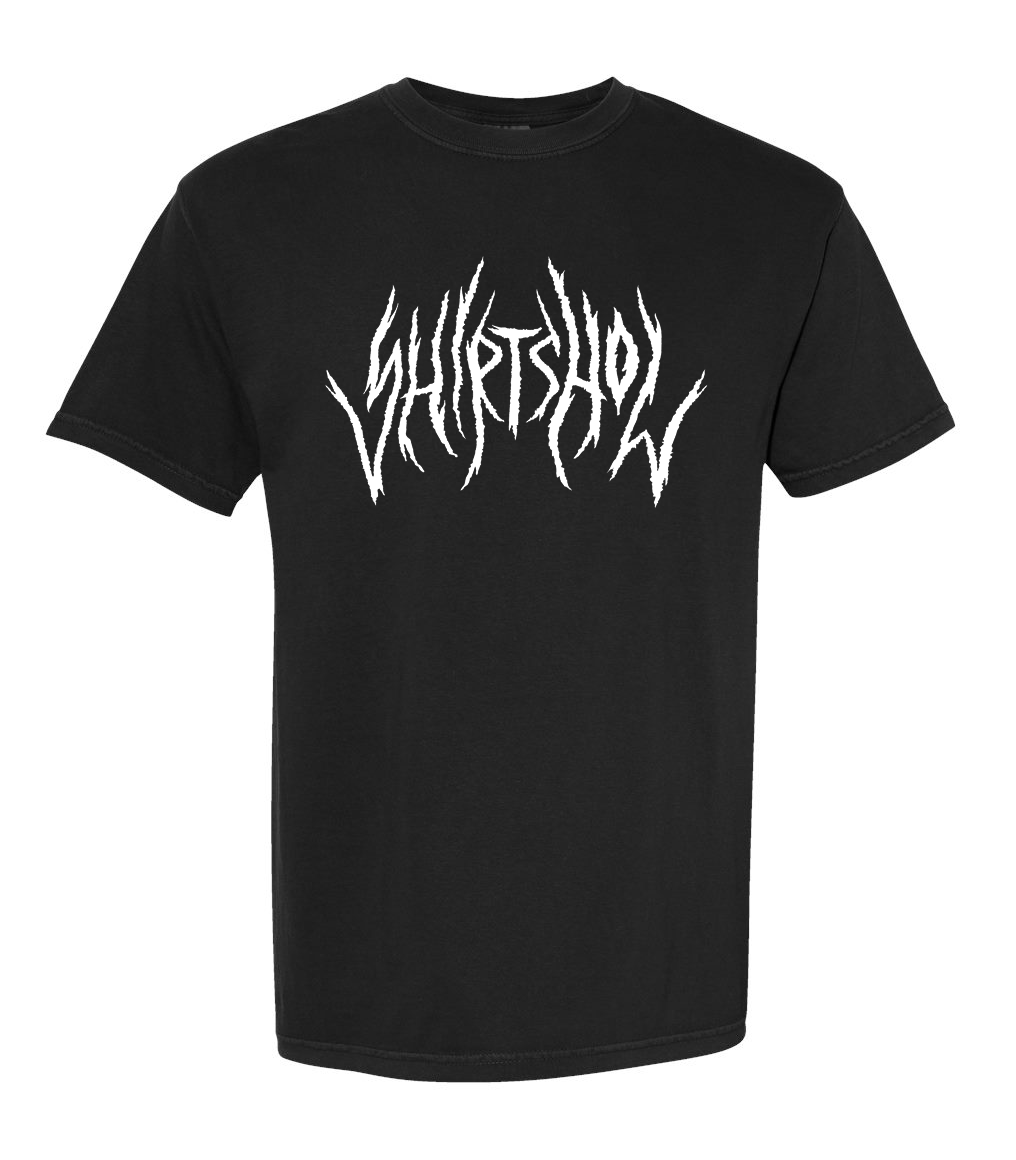
DTF works the same way. When you print large areas of solid ink, you’re essentially putting a big sticker on the garment, and the shirt loses it natural drape. The solution is simple: design with negative space whenever possible. For example, on black shirts, knock out heavy black areas in your artwork and let the garment color do some of the work. The more negative space in your design, the softer the finish print will feel.
Halftone Larger Image Areas
Sometimes your artwork doesn’t allow for much negative space. Maybe it’s a full-color graphic or a detailed design. That’s where halftoning comes in. Halftones break up large solid areas into tiny dots, creating microscopic gaps in the design. To the eye, it still looks like a solid image, but physically it reduces the amount of ink sitting on the garment. The result?
Softer prints
Better drape
Less “giant sticker” effect
There are a few ways you can apply halftones to your image:
Option 1: Use the halftone action plugin for Photoshop from ScreenprintGPT
Option 2: Follow a Photoshop halftone tutorial on YouTube
(If you would like suggestions, please reach out)
Option 3: If you are using Fiery CADlink DTF Edition RIP, you can do half toning in 2 ways.
Under Effect – Half tone effects
Under Production Plug-ins – Half tone for spot colors
Even subtle halftoning can dramatically improve the hand feel of a transfer.
3. Post Press Your Transfers
Post pressing is one of the easiest ways to improve the feel of a DTF print.
Here’s why it works.
The human brain expects clothing to have a texture. When your hand touches a perfectly smooth plastic feeling surface on a shirt, your brain immediately says something isn’t right. Post pressing ads texture back in to the transfer, which makes it feel more like a natural part of the garment.
Over the years I’ve experimented with over 150 different post-press materials trying to find the best texture. Silicone sheets, mesh, sandpaper, specialty texture sheets – you name it. And after all that testing, the best solution I’ve found is surprisingly simple.
A cotton fabric. Not just any cotton fabric, but this specific one.
(Shop Hack)
One of the best material I’ve used is actually a cotton fabric from Walmart. Lay it over your transfer for 5-6 seconds on your second press and it adds a natural fabric texture that makes the transfer feel significantly better.
Sometimes the best shop hacks don’t come from trade shows… they come from the fabric aisle at Walmart.
4. Film Release Agents Matter
Film release agents aren’t just there to determine whether your transfer is hot peel, warm peel, or cold peel. The also affect:
Ink load
Dot gain
Surface finish
Overall hand feel
Different films can create different finishes such as:
Glossy
Matte
Satin
Soft-hand
Others
These finishes don’t just affect how the print feels – they also influence how color appears on the garment.
Before switching films, always check with your supplier to make sure they’ve created a proper RIP profile for that film with the software you’re using. Otherwise, you may suddenly find yourself chasing color issues that weren’t there before.
5. New Adhesive Powders
Adhesive technology has come a long way in the past few years. New specialty pwders are being developed specifically to improve flexibility and softness in DTF prints. Some of the newer types include:
Flex powders
Super soft powders
High elasticity powders
Sublimation-resistant powders
And several others
Yes, these powders usually cost a little more. But if they significantly improve the feel of your prints, the extra cost can absolutely be worth it.
Before switching adhesives, make sure you:
Ask for the MSDS Sheet
Confirm that adhesive is OEKO-TEX certified
Make sure that the supplier has done the wash fastness testing, not just taken the manufacturer’s word on it. They should also know the heat press temp and dwell time to meet the wash fastness objectives that you are trying to meet. As these factors play a major roll in how the adhesive performs.
I’ll be diving deeper into adhesive technology in a future article
The Takeaway for Print Shop Owners
At the end of the day, customers don’t buy printing technology. They buy how the shirt feels when they put it on. You can have the most vibrant print in the world, but if it feels like a sheet of vinyl glued to a hoodie, people will notice – and they may look for a different supplier next time.
The good news is that improving hand feel usually isn’t about buying a new printer. It’s about working smarter with your artwork, materials, and finishing techniques.
Use negative space.
Haftone large areas.
Post press your transfers.
Choose the right film and adhesive.
Do those things consistently, and your DTF prints will start feeling less like stickers and more like real decorated garments. And that’s when customers stop asking, “Is this DTF?”... and start asking, “Where can I buy another one of these shirts?”

Aaron Blank
Blue Ridge Screen Products in Charlotte, NC

